
Scan with your phone


Hire a Contractor
When choosing to hire a contractor, you can begin by going to Post your requirements > Post a new project.
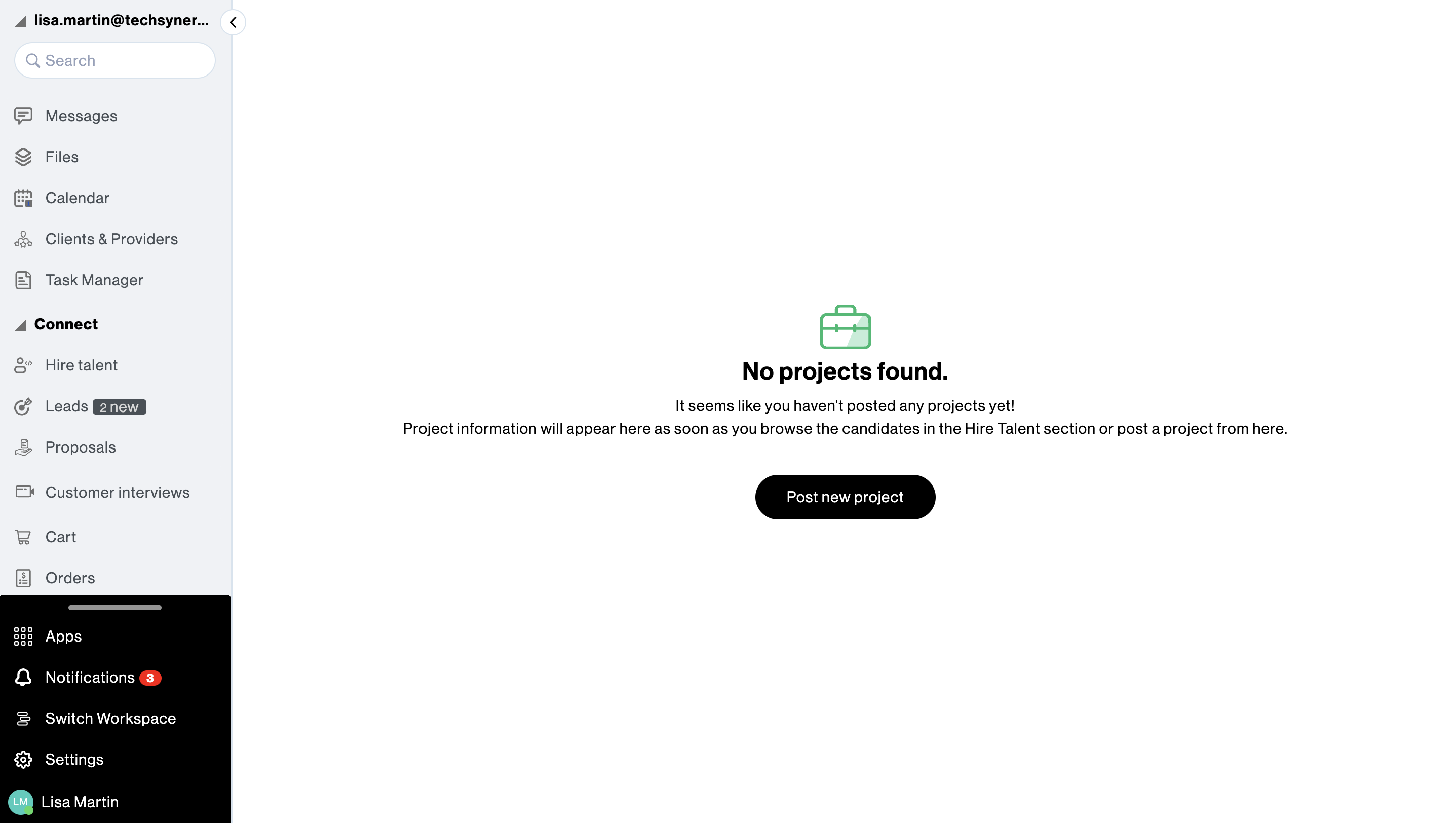
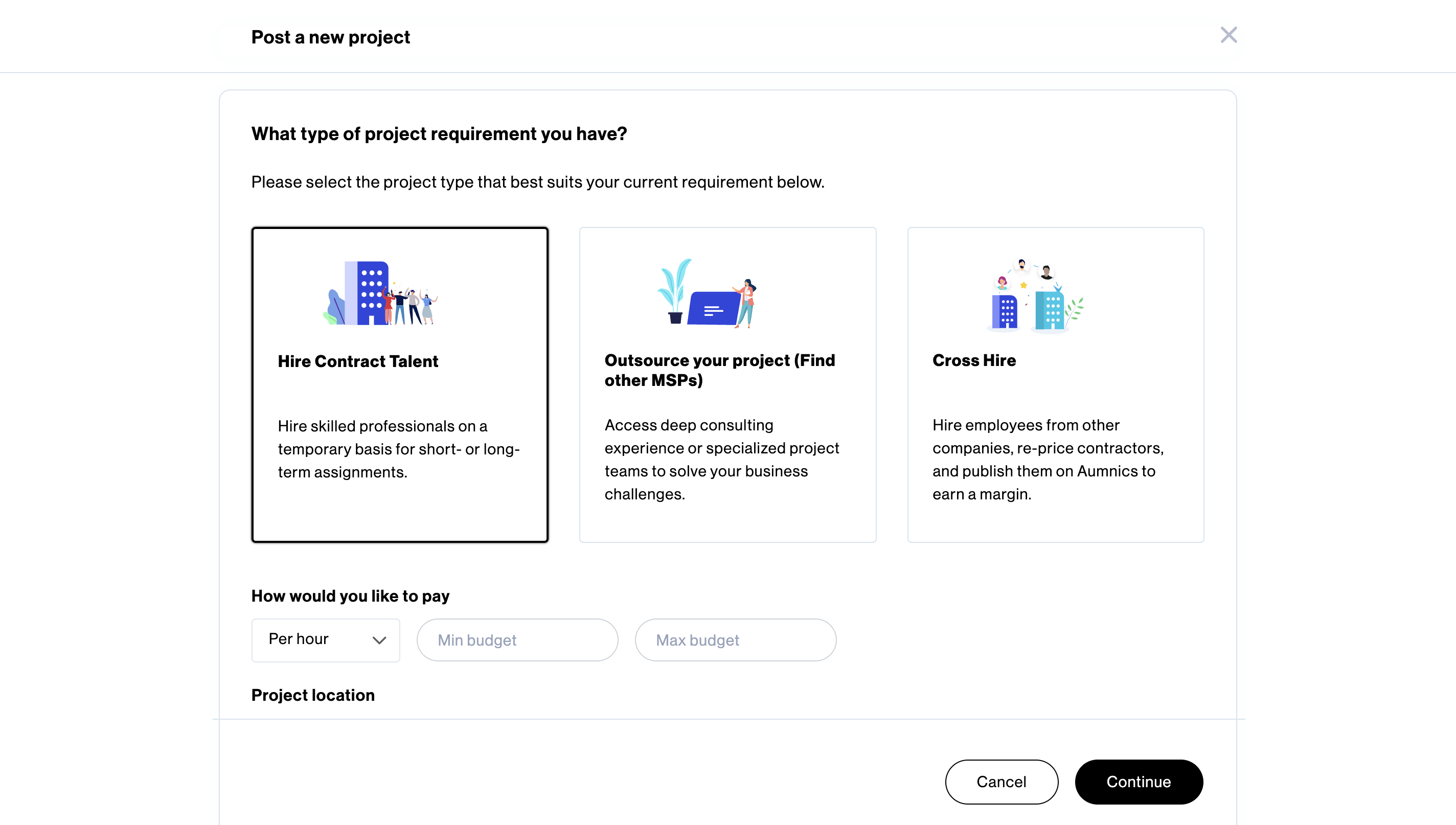
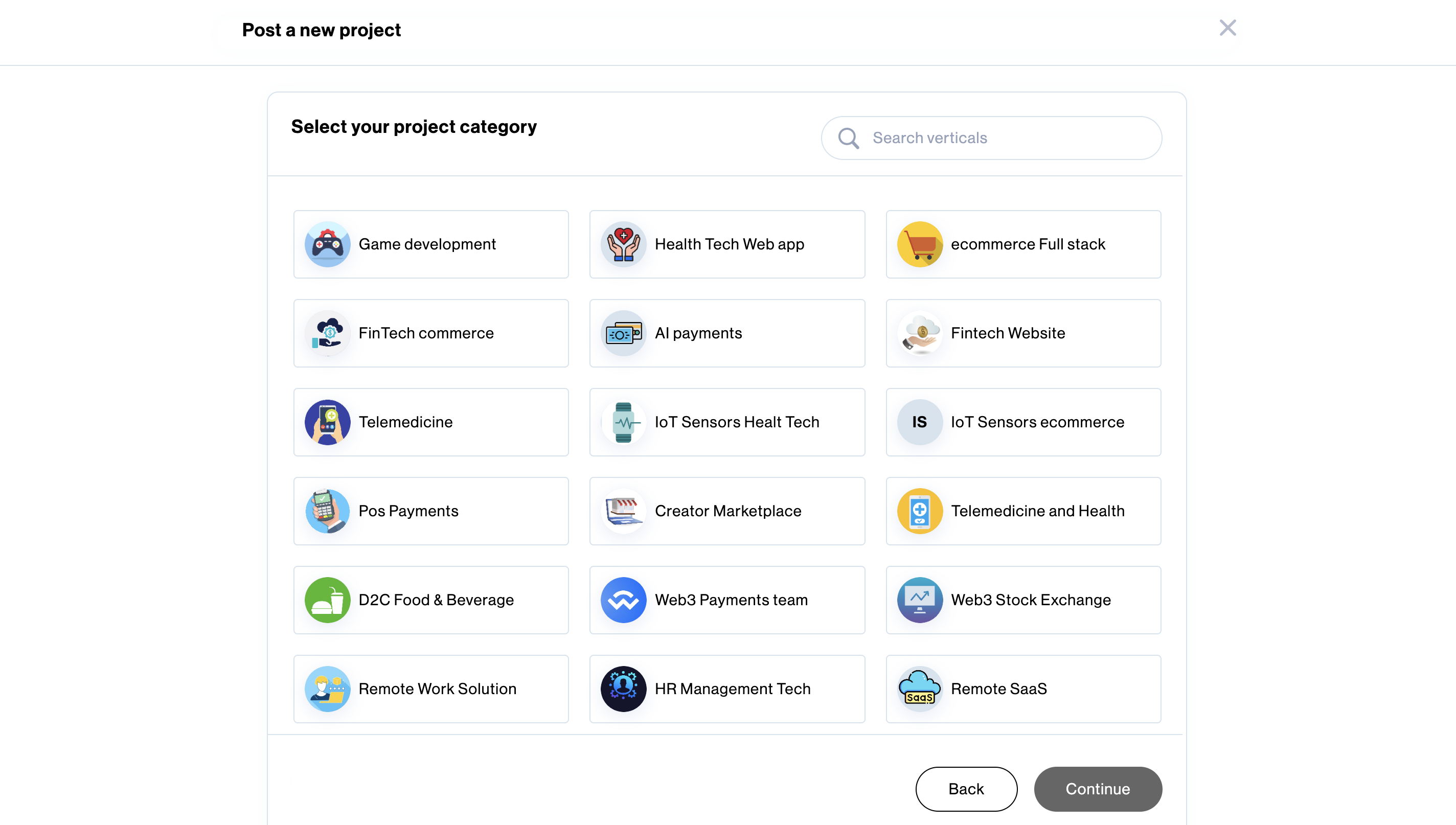
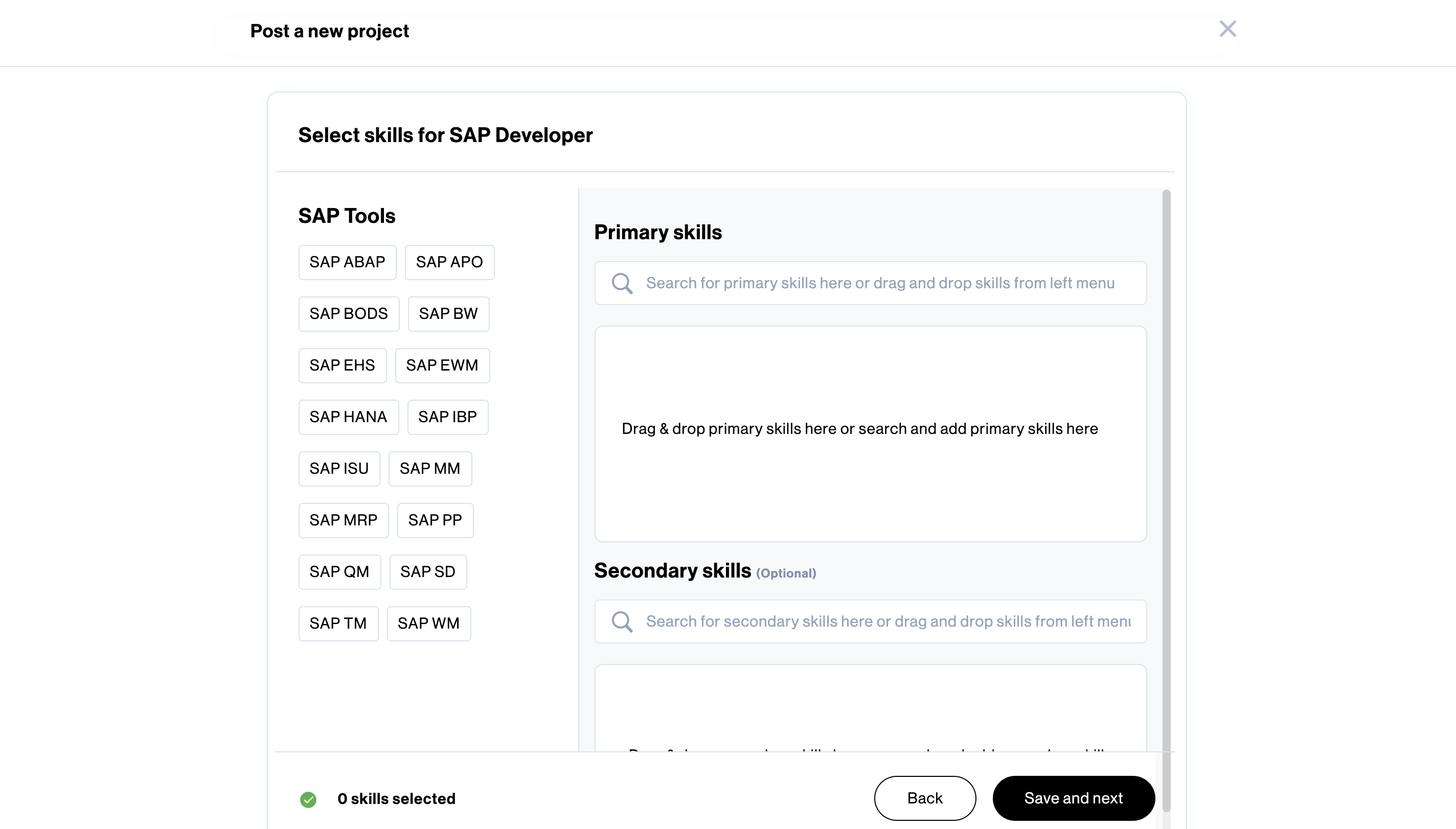
Once you click Hire Contract Talent and provide the necessary information, including the project type, work type, pricing details and job location, the system asks you to choose the verticals and skills you desire.
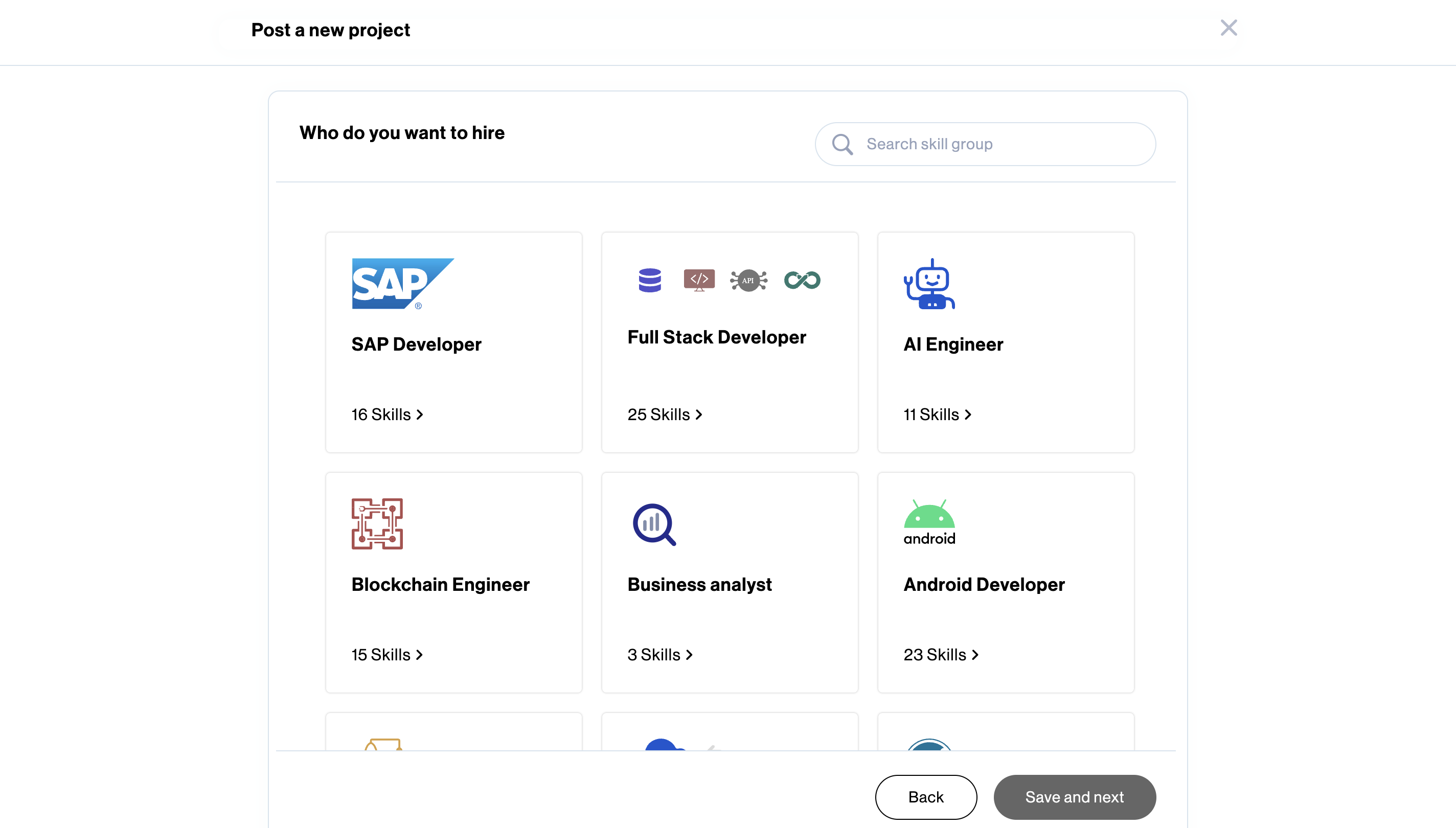
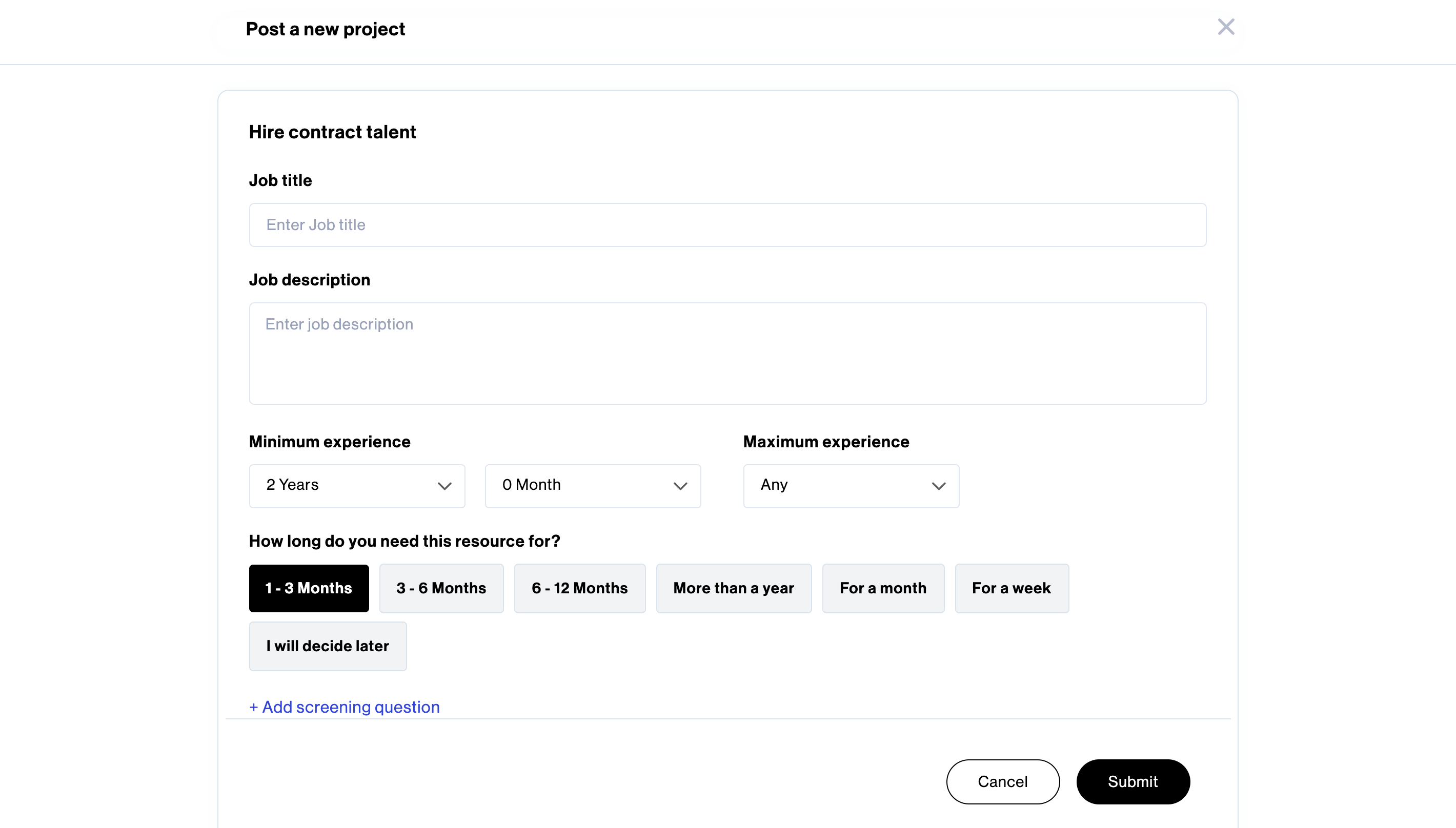
Next, you can enter the project details and click Submit to successfully post your project.
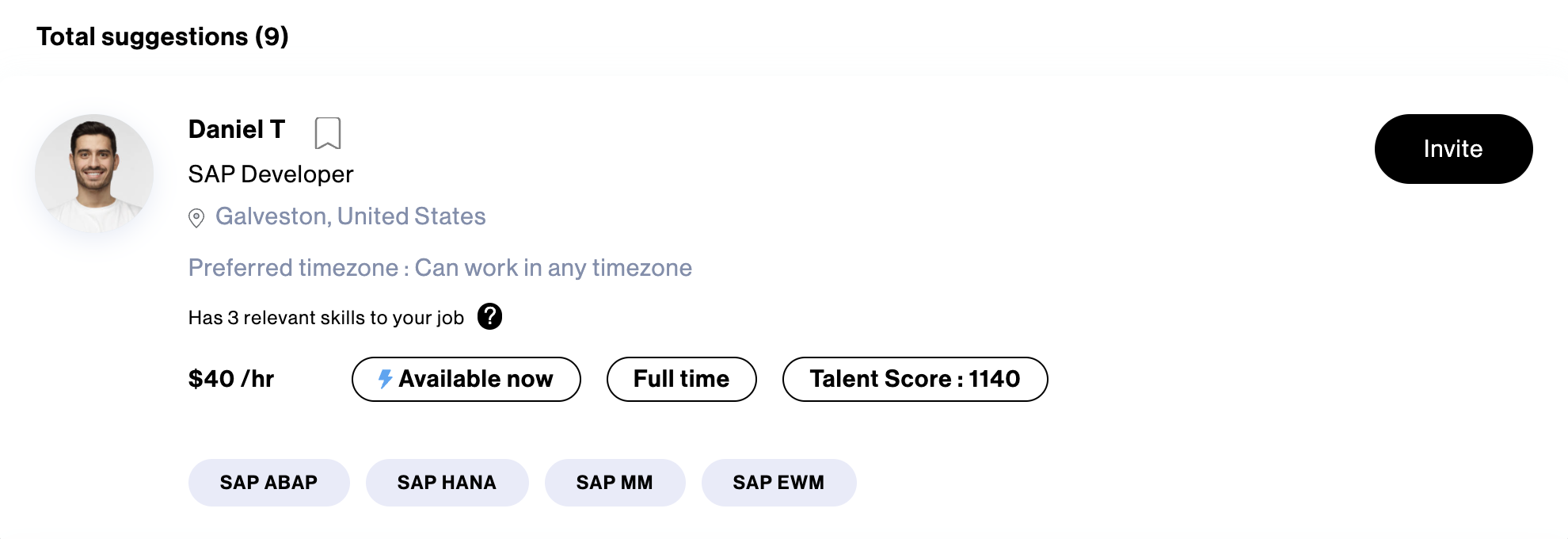
Upon posting the project, it will undergo a verification process by the Amy team which typically takes 24-48 hours. After the verification, you can proceed to invite members.
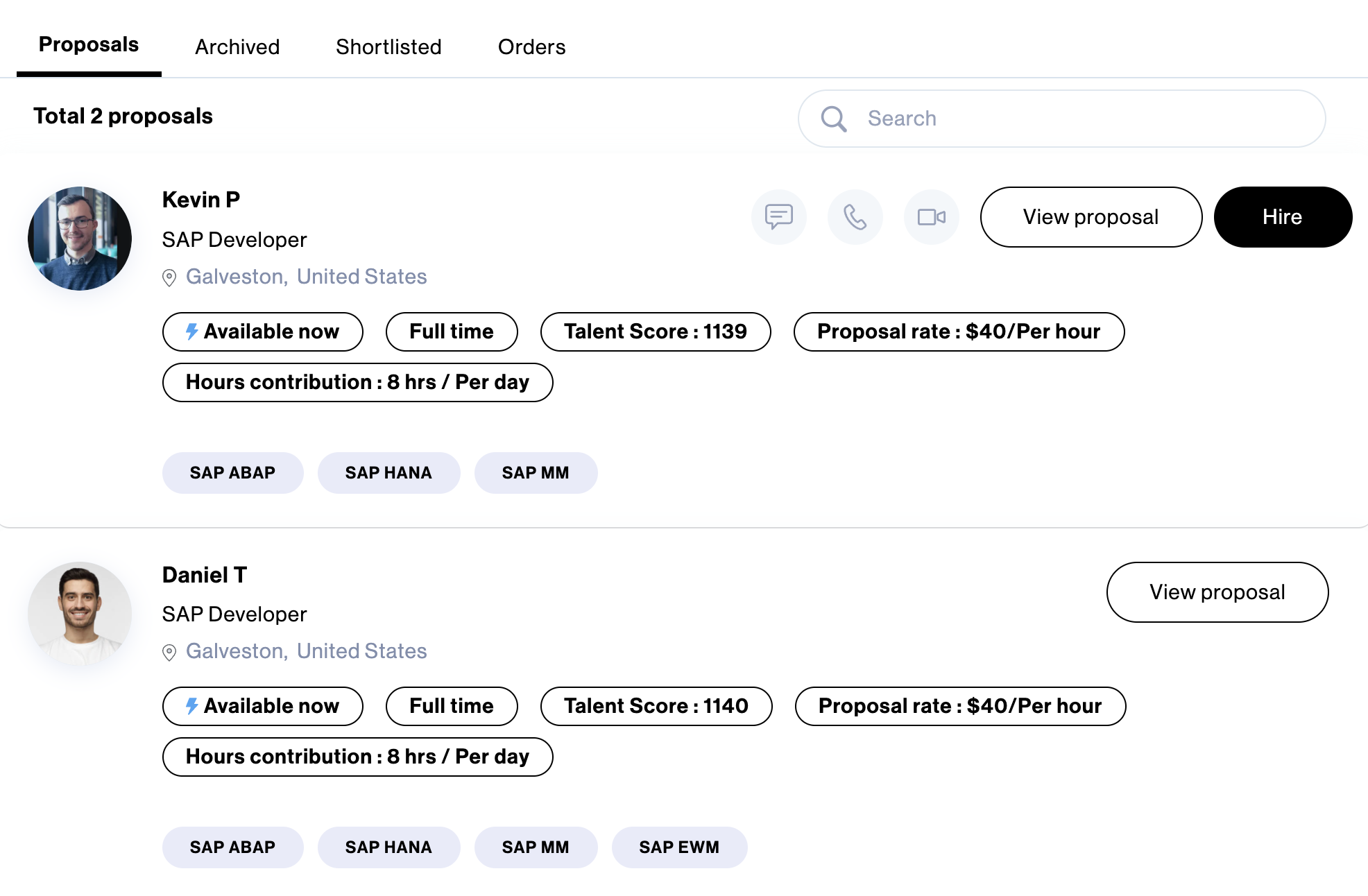
You can view the proposals received under the View applicants tab. You have the flexibility to either directly Accept & Hire a candidate or shortlist and interview candidates from a pool of highly qualified professionals.
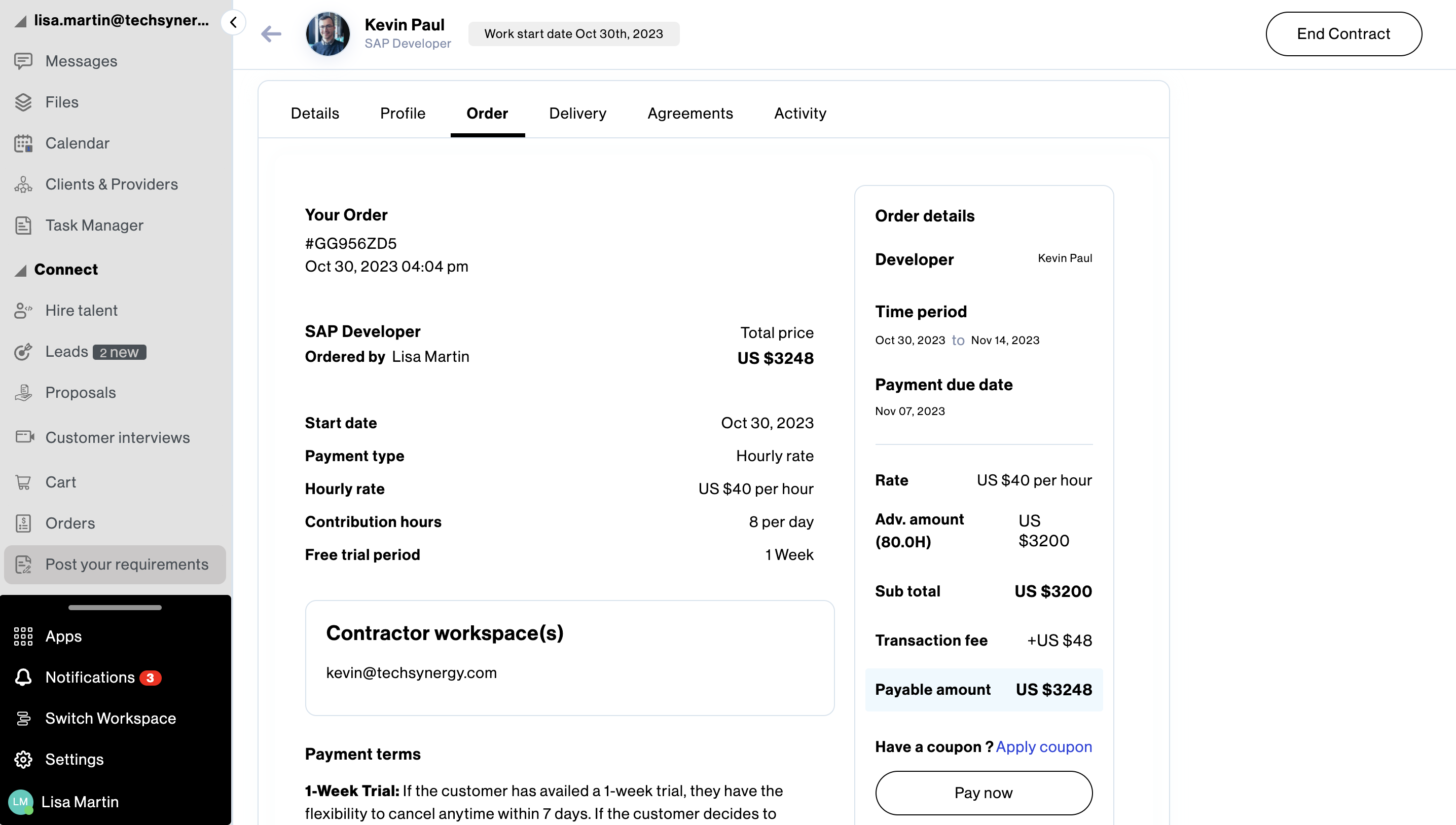
Upon selecting Accept & Hire, you will be presented with the payment cycles. Further, it is important to fill in and review all the required information and the terms and conditions before proceeding with the payment.
You are required to pay for 15 days/80 hours of work in advance. Alternatively, you can choose to try the resource for a week by paying a nominal fee of 10$. Once the payment is made, the contractor joins your company workspace on the work start date.
(Please note that it is the company’s admin applying for the project on behalf of the individual)

Subscribe now
Subscribe to " Pvt Ltd" newsletter for updates on the software services industry. Stay informed and gain valuable insights from an industry-leading company. Expand your knowledge, stay ahead of the competition.

Your subscription for "" is successful. You will be notified whenever a new is posted.

You liked the Article

You disliked the Article
