
Scan with your phone


Hire Talent Feature
The Hire talent feature enables you to directly hire a contractor without the need to post your project requirements.
To begin, navigate to the Hire talent section and click ‘Hire contractors’. Then, select who you want to hire.
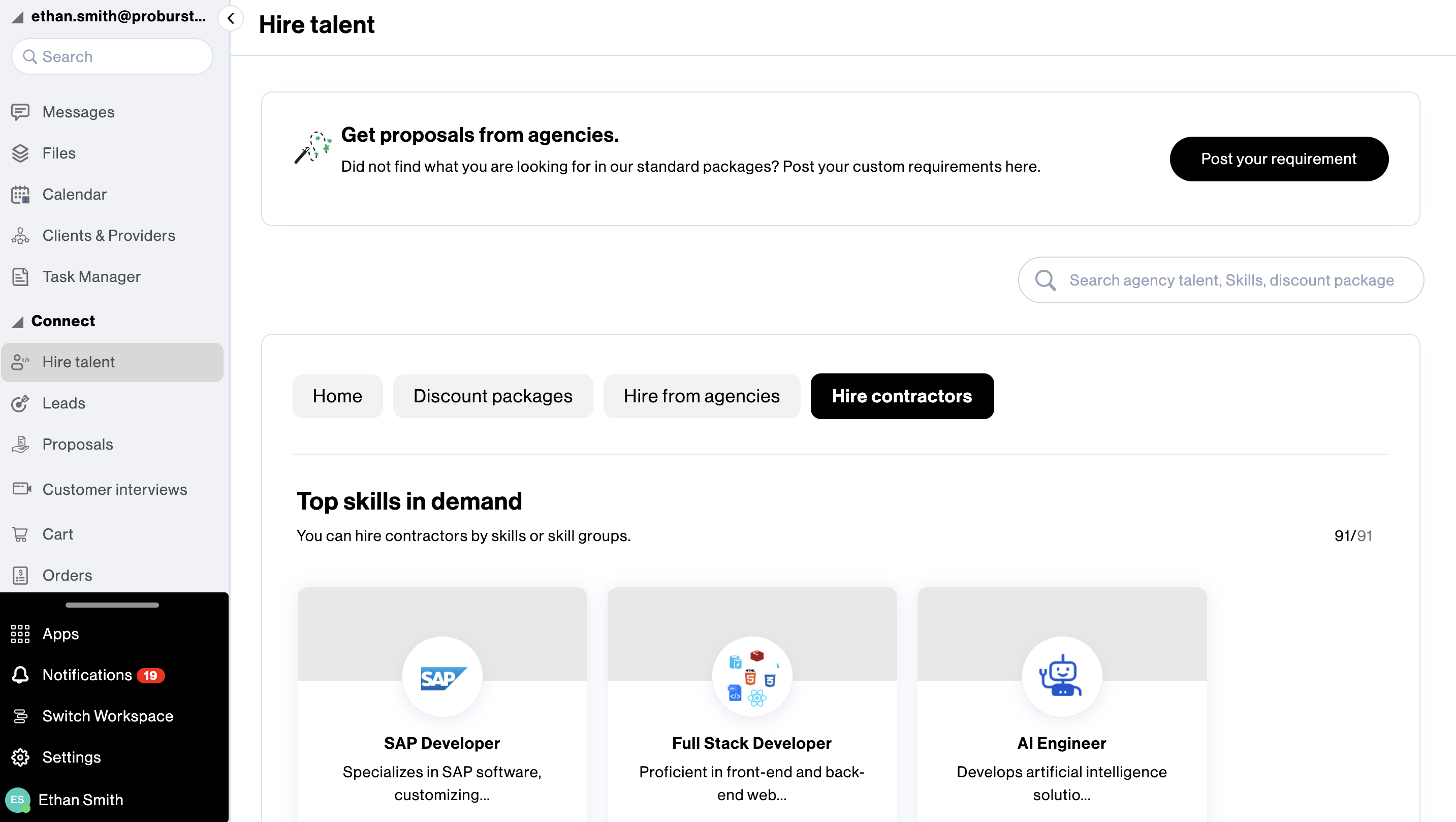
Next, select the required skills and verticals.
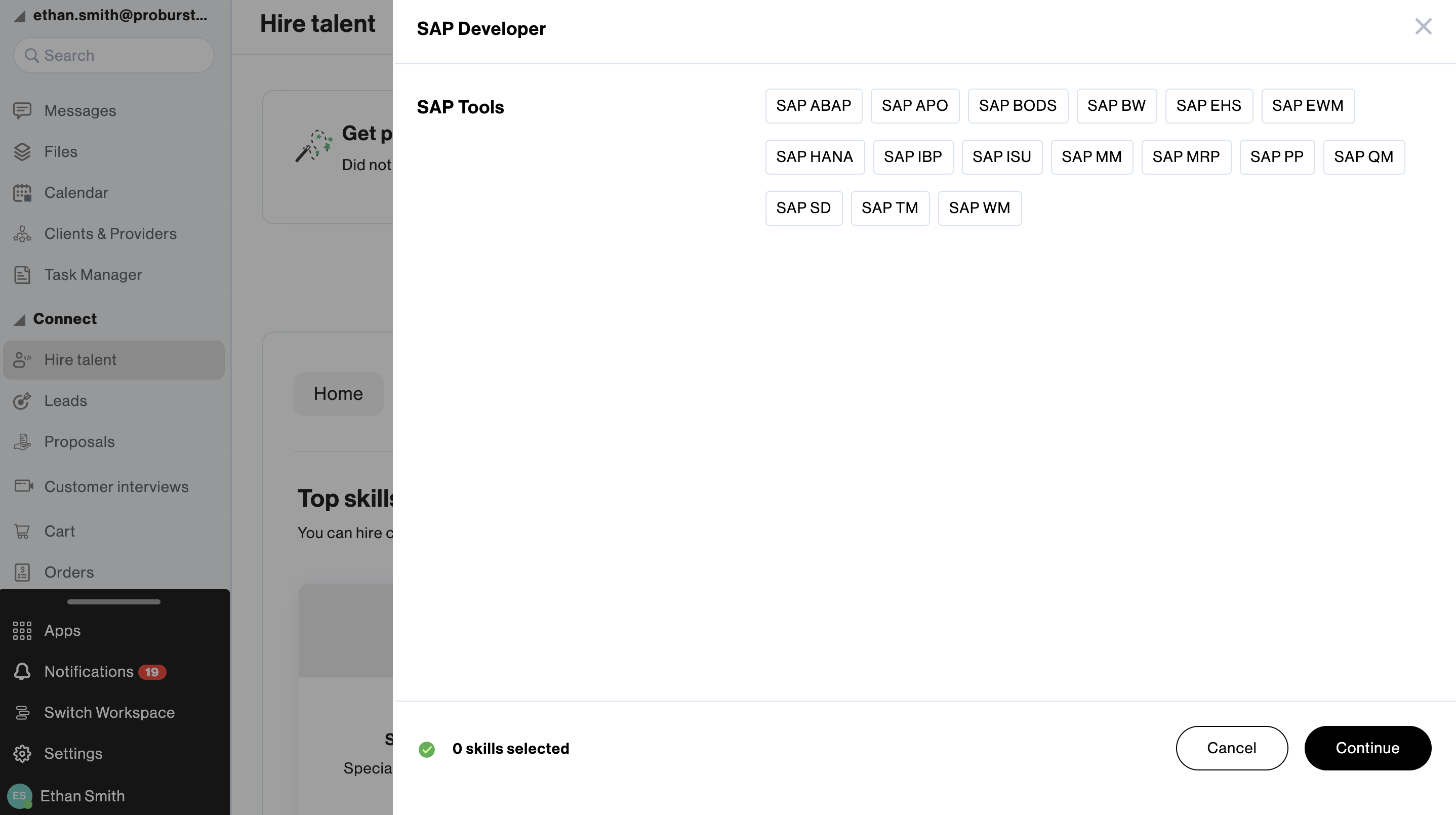
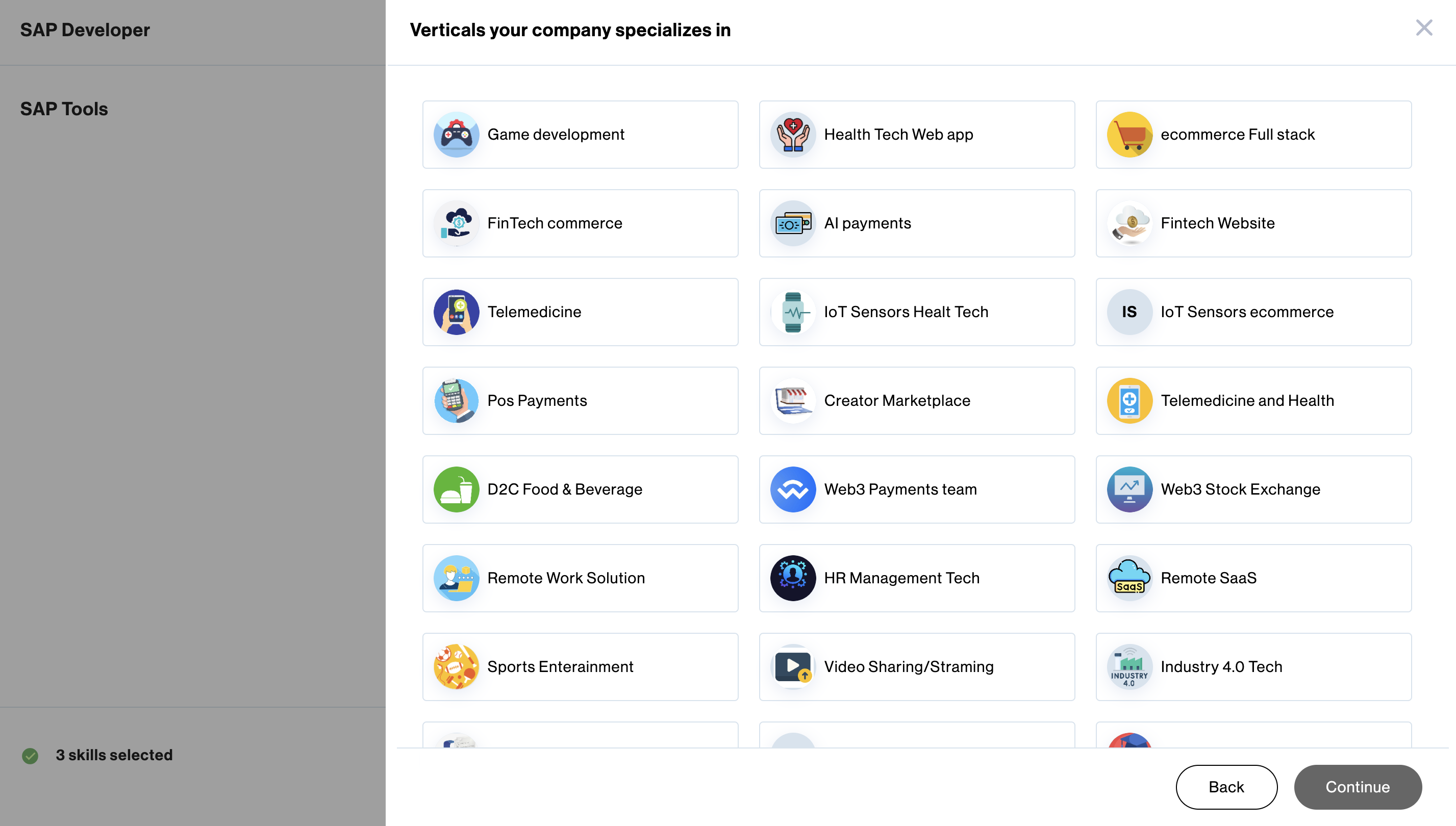
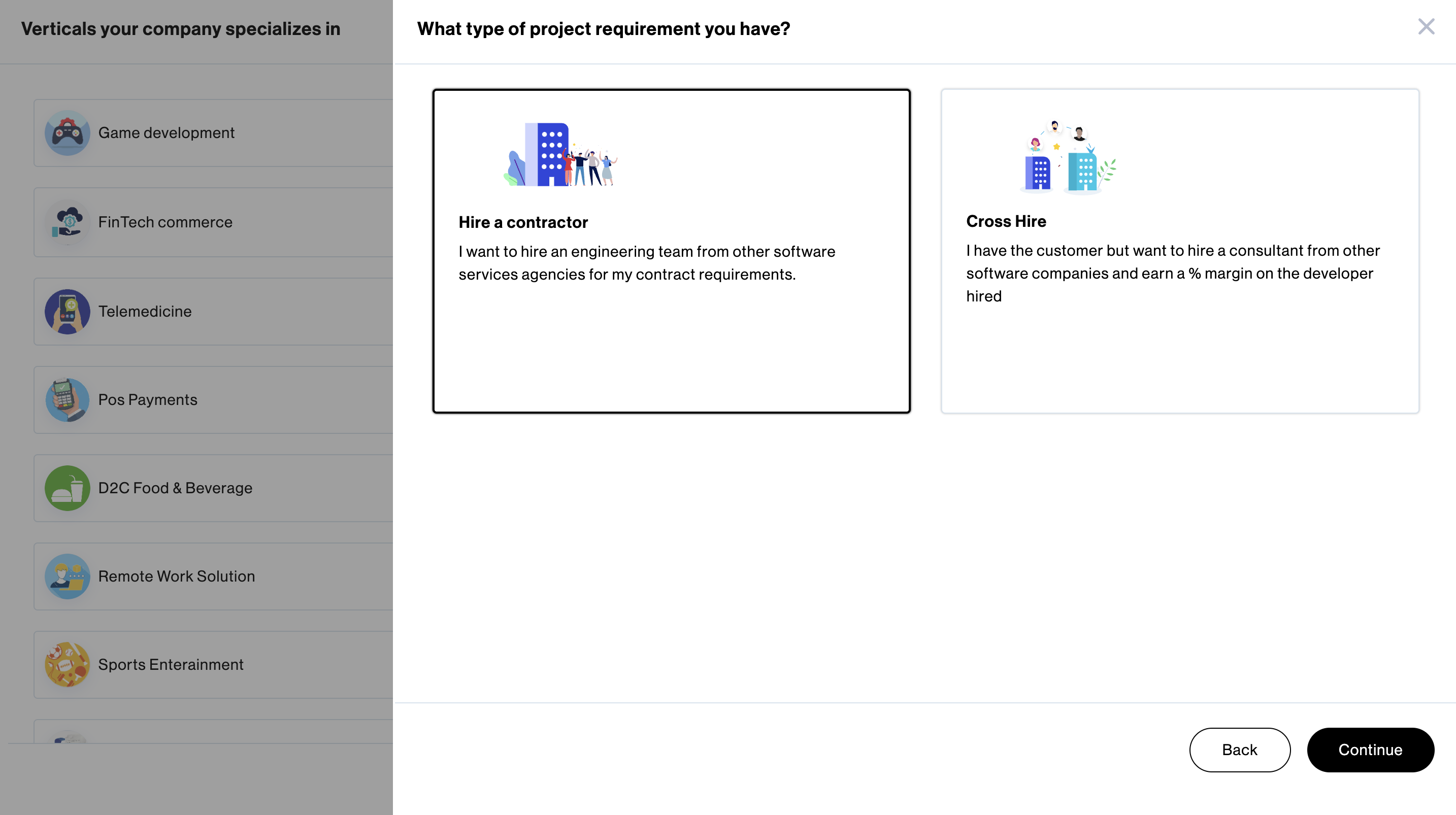
Choose Hire a contractor and click Continue.
You have the option to either Hire or Message any contractor from the available pool of candidates.
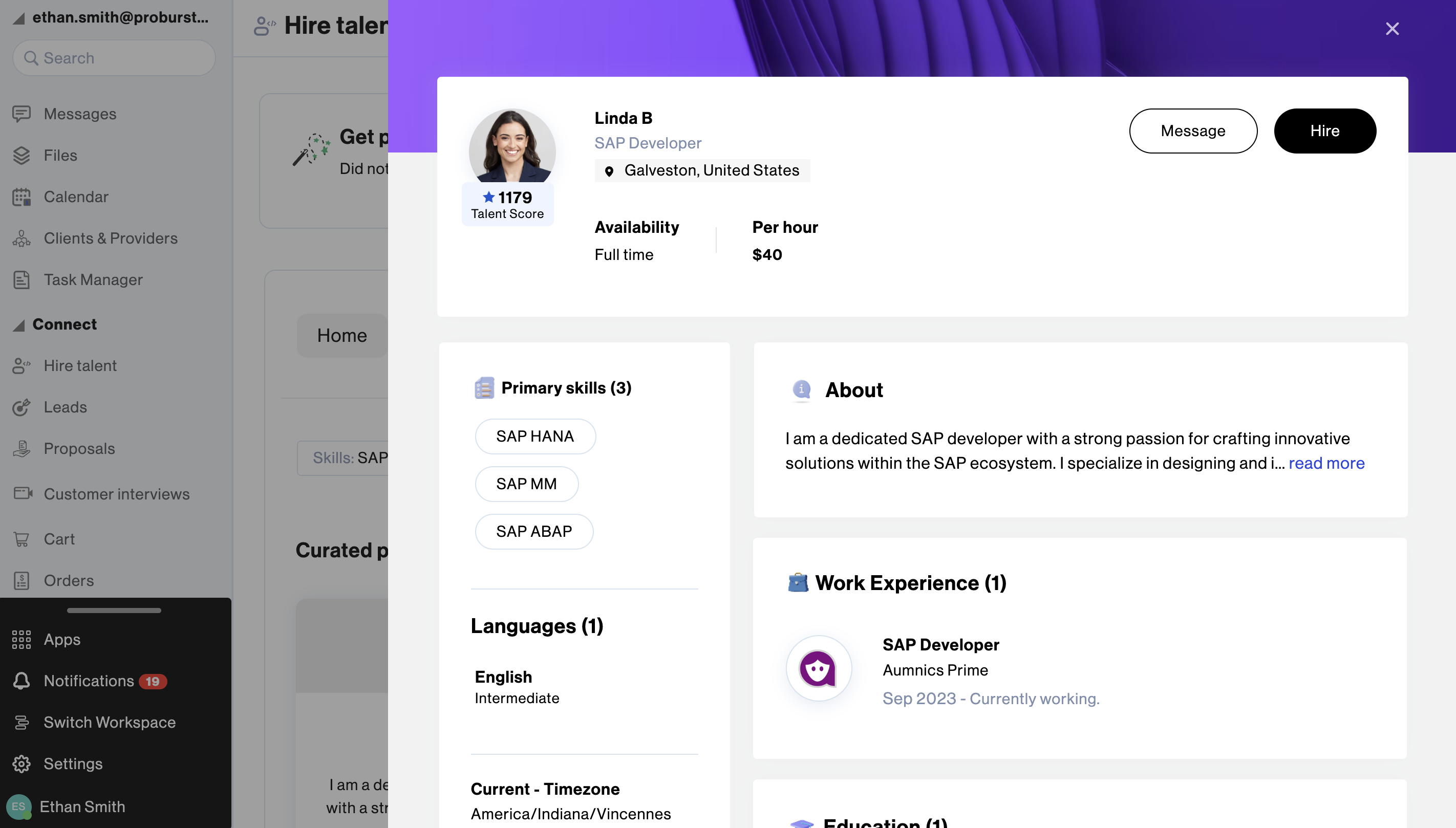
When you choose to Hire a contractor, you will be prompted to review and enter the required details. Please provide the start date of work and the contractor’s new work email so that they can join your workspace from the date set.
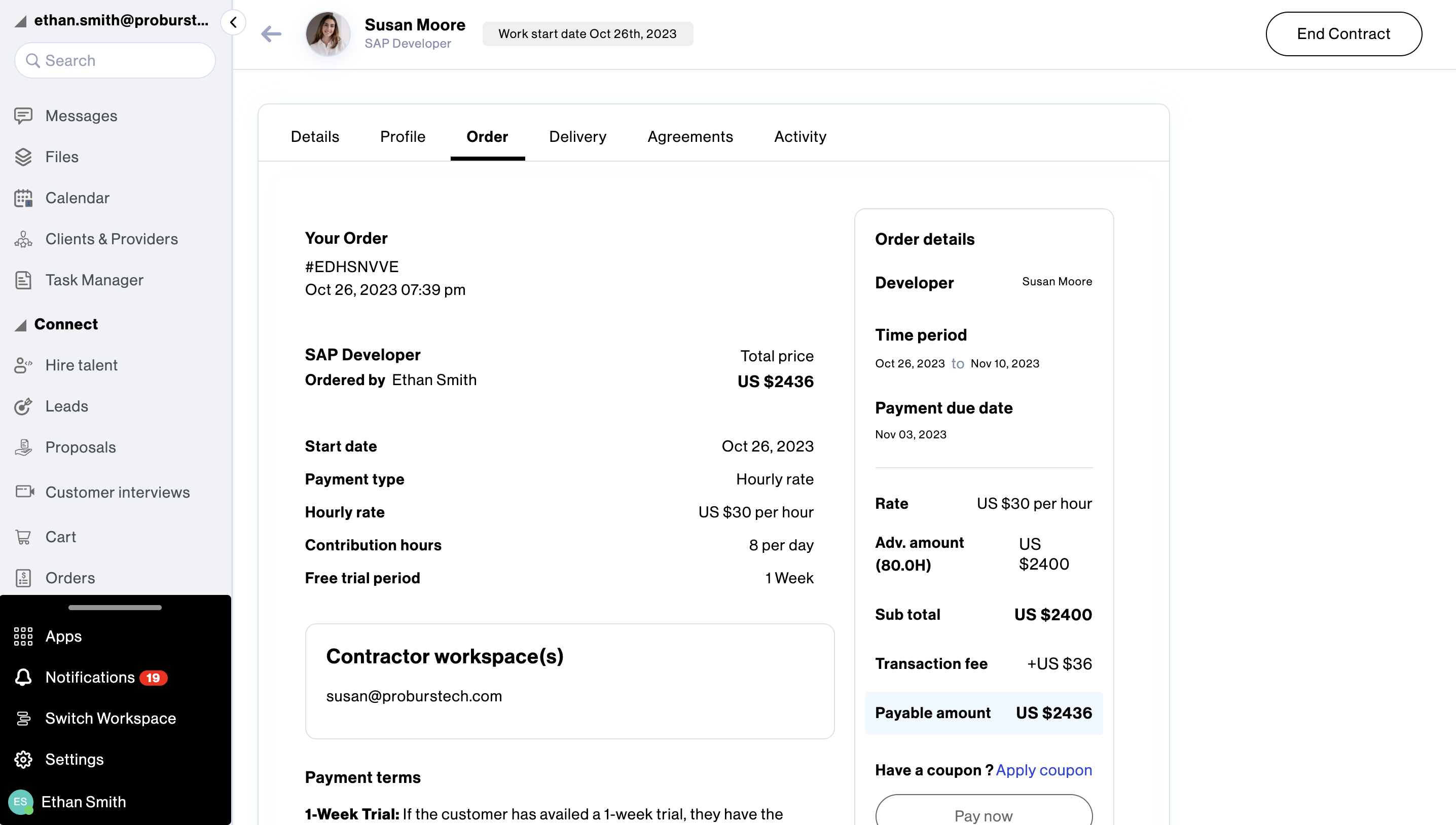
After entering the necessary details and placing an order, an invoice is generated for you to review and proceed with payment. You are required to pay for 15 days/80 hours of work in advance. Alternatively, you can choose to try the resource for a week by paying a nominal fee of 10$.

Subscribe now
Subscribe to " Pvt Ltd" newsletter for updates on the software services industry. Stay informed and gain valuable insights from an industry-leading company. Expand your knowledge, stay ahead of the competition.

Your subscription for "" is successful. You will be notified whenever a new is posted.

You liked the Article

You disliked the Article
