
Scan with your phone


Service Providers
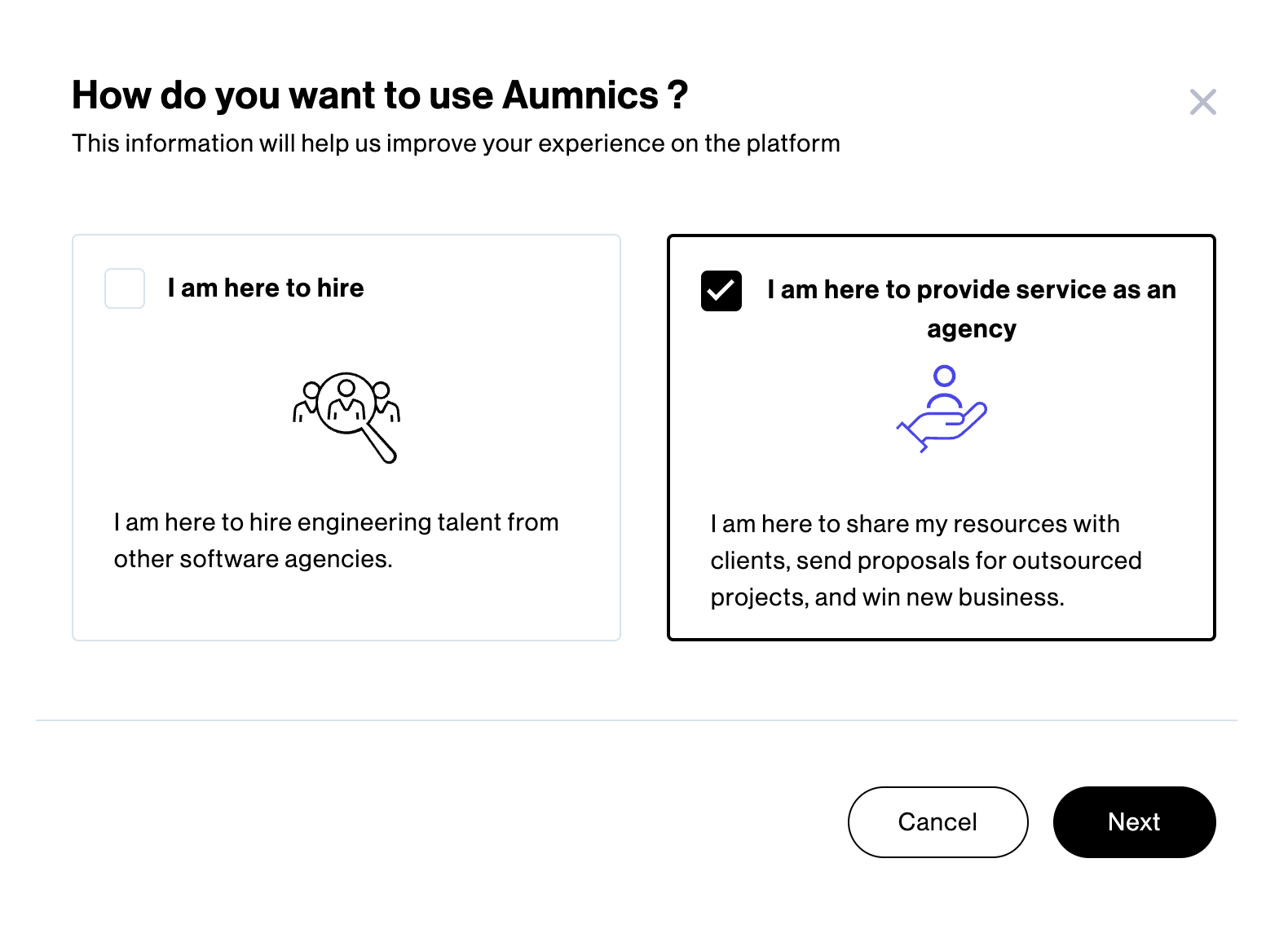
After successfully creating your Company Account on Amy, you will be directed to the Amy App. At this point, you are provided with two options to select how you may want to use Amy:
I am here to hire
I am here to provide service as an agency
If you are a software services agency aiming to showcase your team’s availability and attract new clients, select the option “I am here to provide service as an agency”. This choice is ideal if you intend to publish your bench on Amy and seek global customers who are interested in hiring your consultants as contractors. It also enables you to receive outsourced projects.
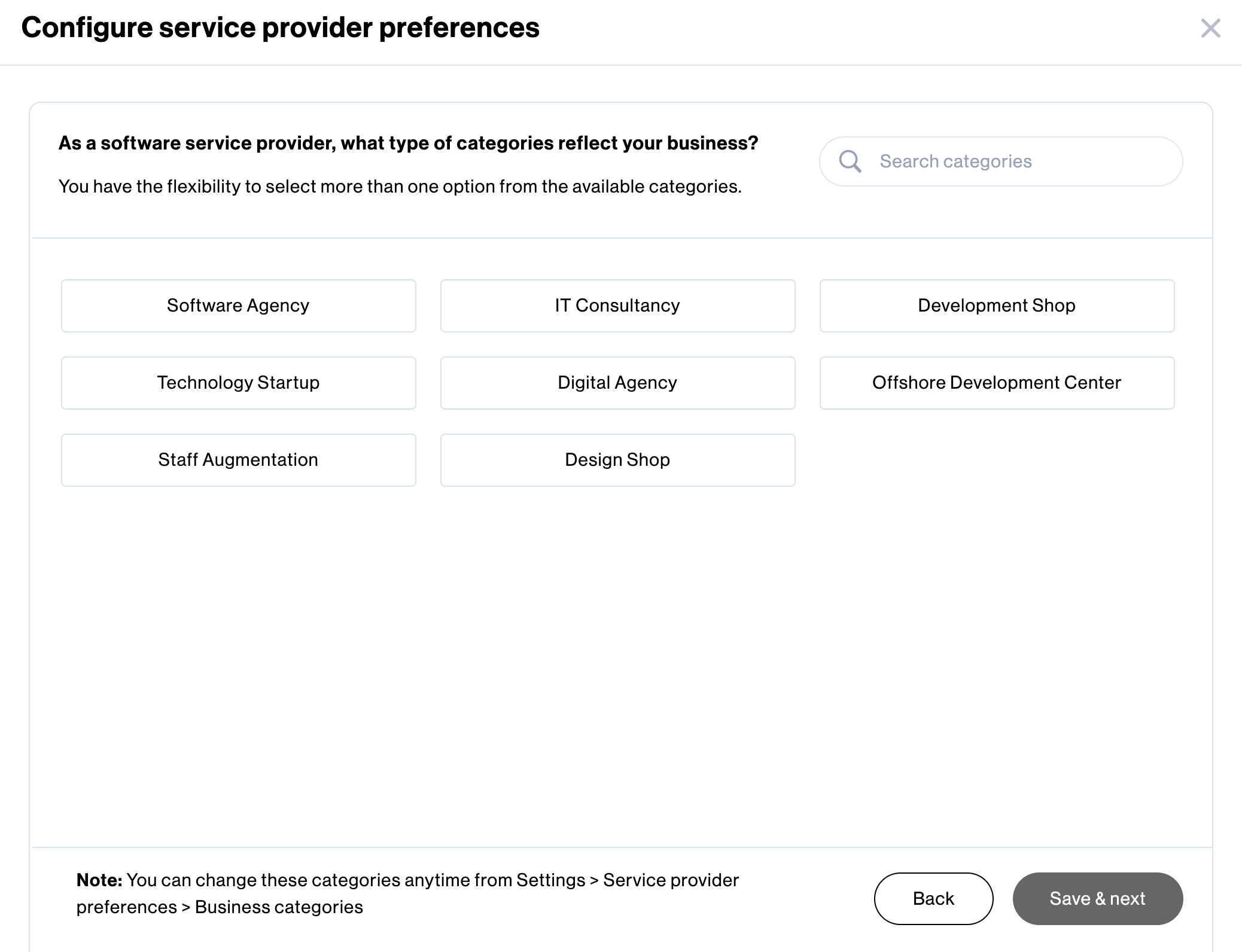
After clicking Next, you are required to select the type of categories that reflect your business.
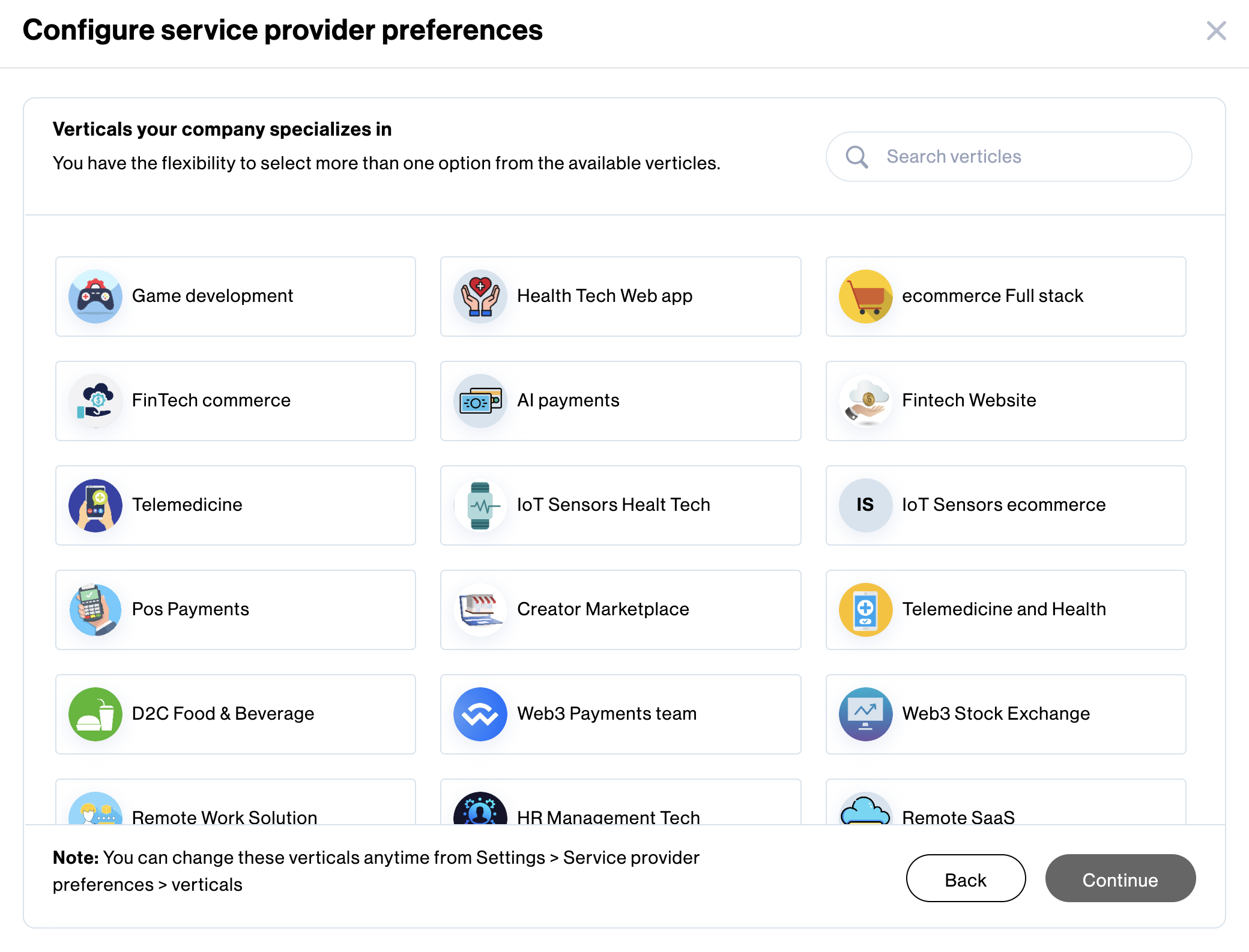
Next, choose the verticals your company specializes in and click Continue.
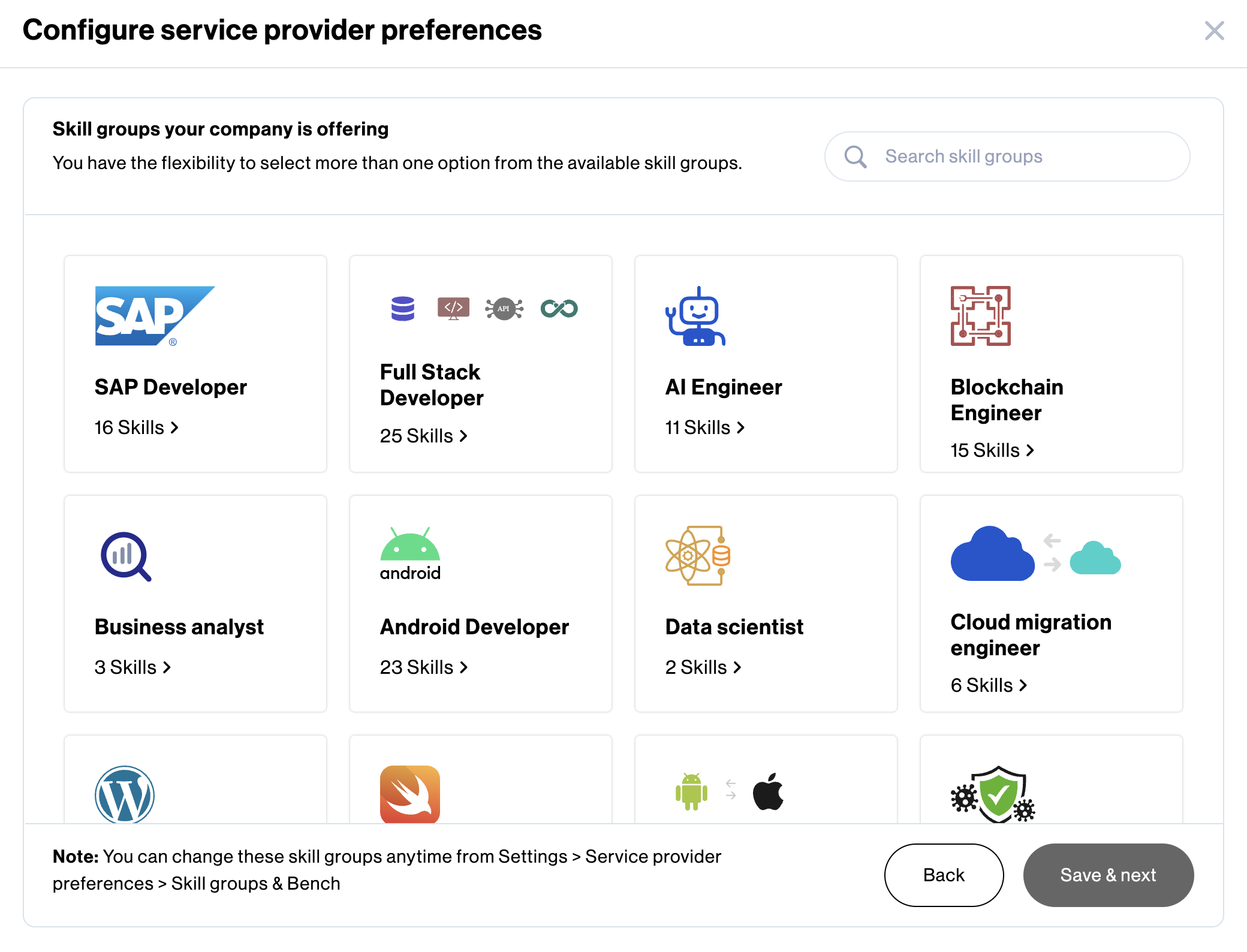
Select the skill groups that correspond to the individuals your company wishes to publish as part of your bench and click Save & next.
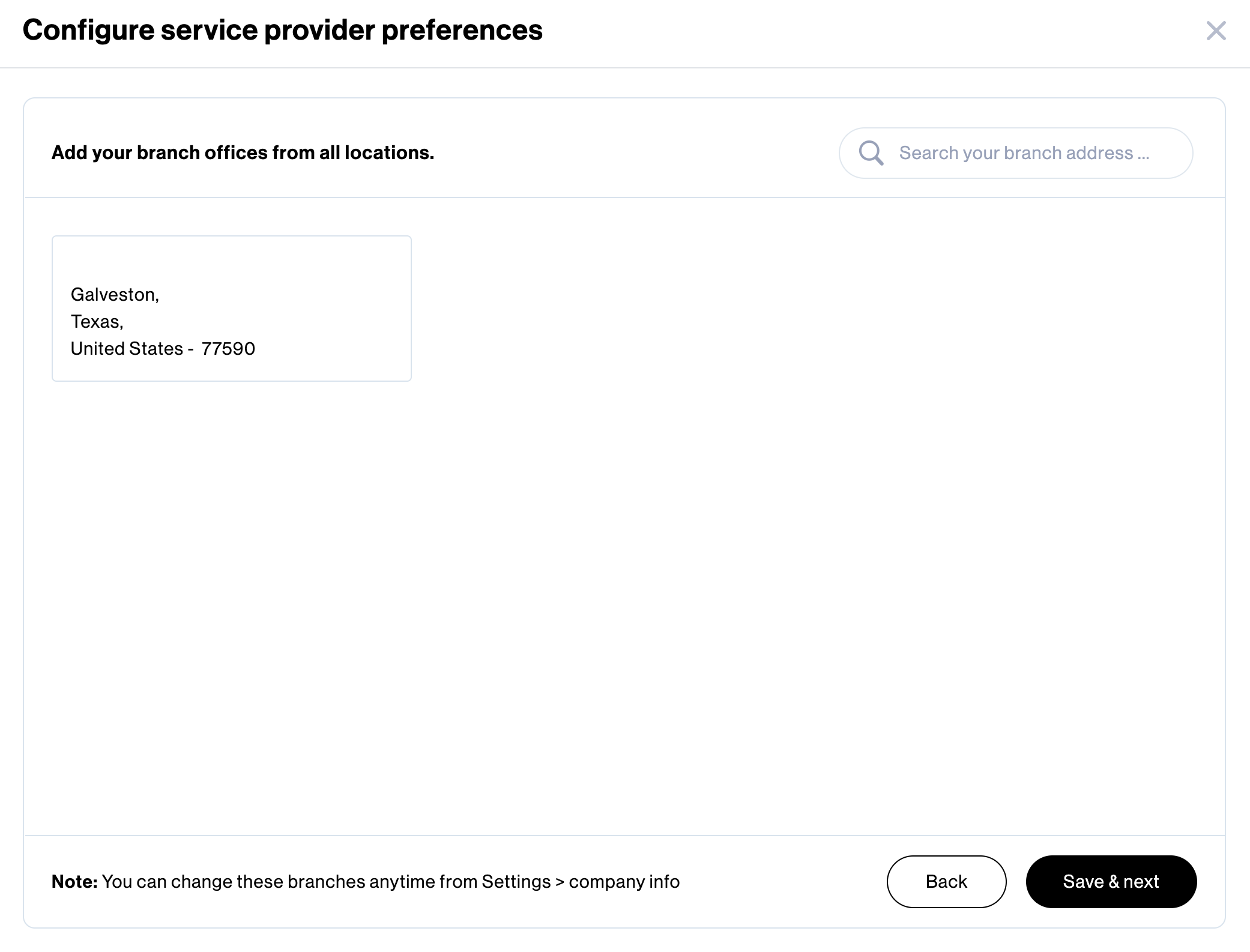
Provide the geographies where your company has offices located and click Save & next.
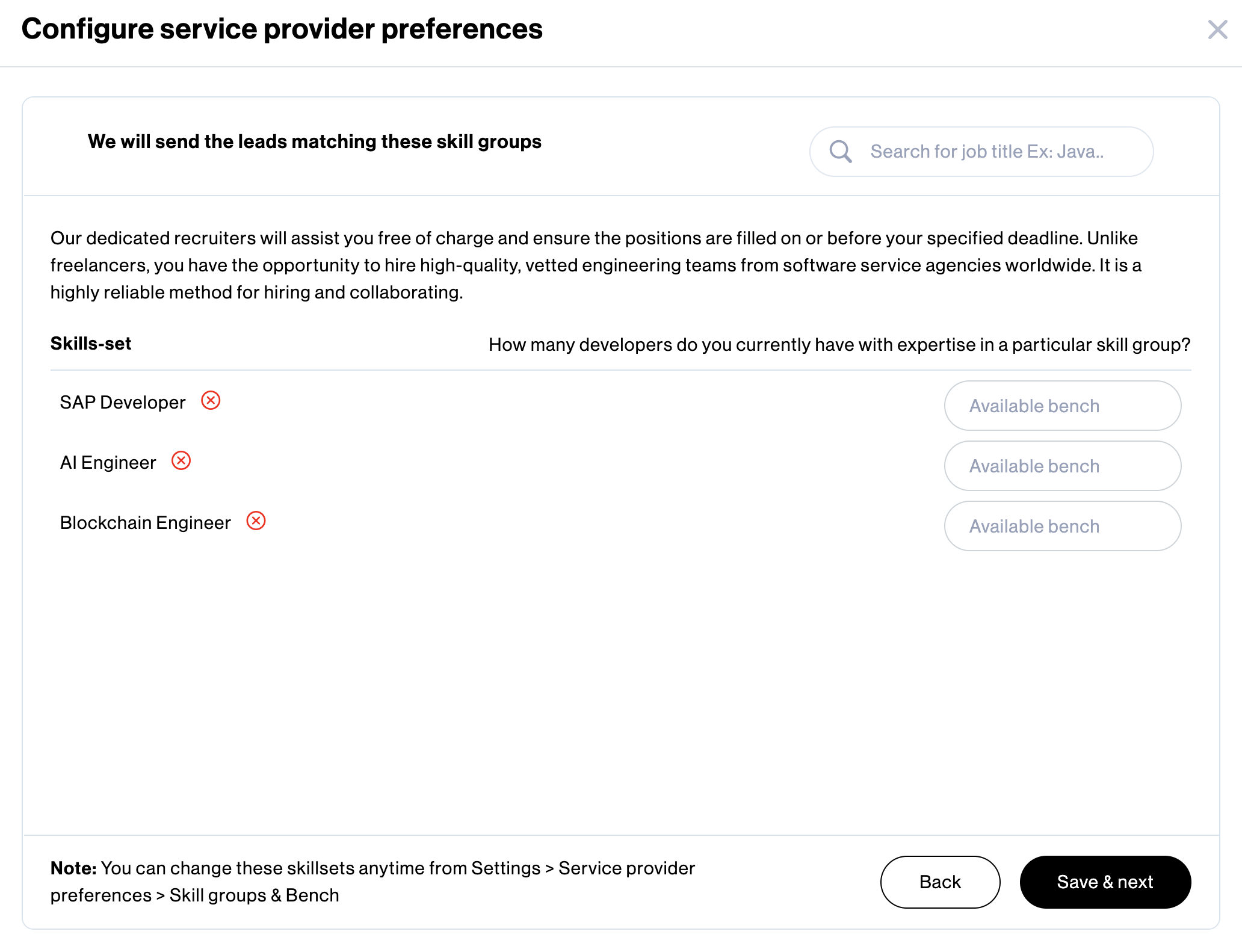
Specify the bench strength for the skill groups you have chosen. You can add or remove new skill groups as necessary.
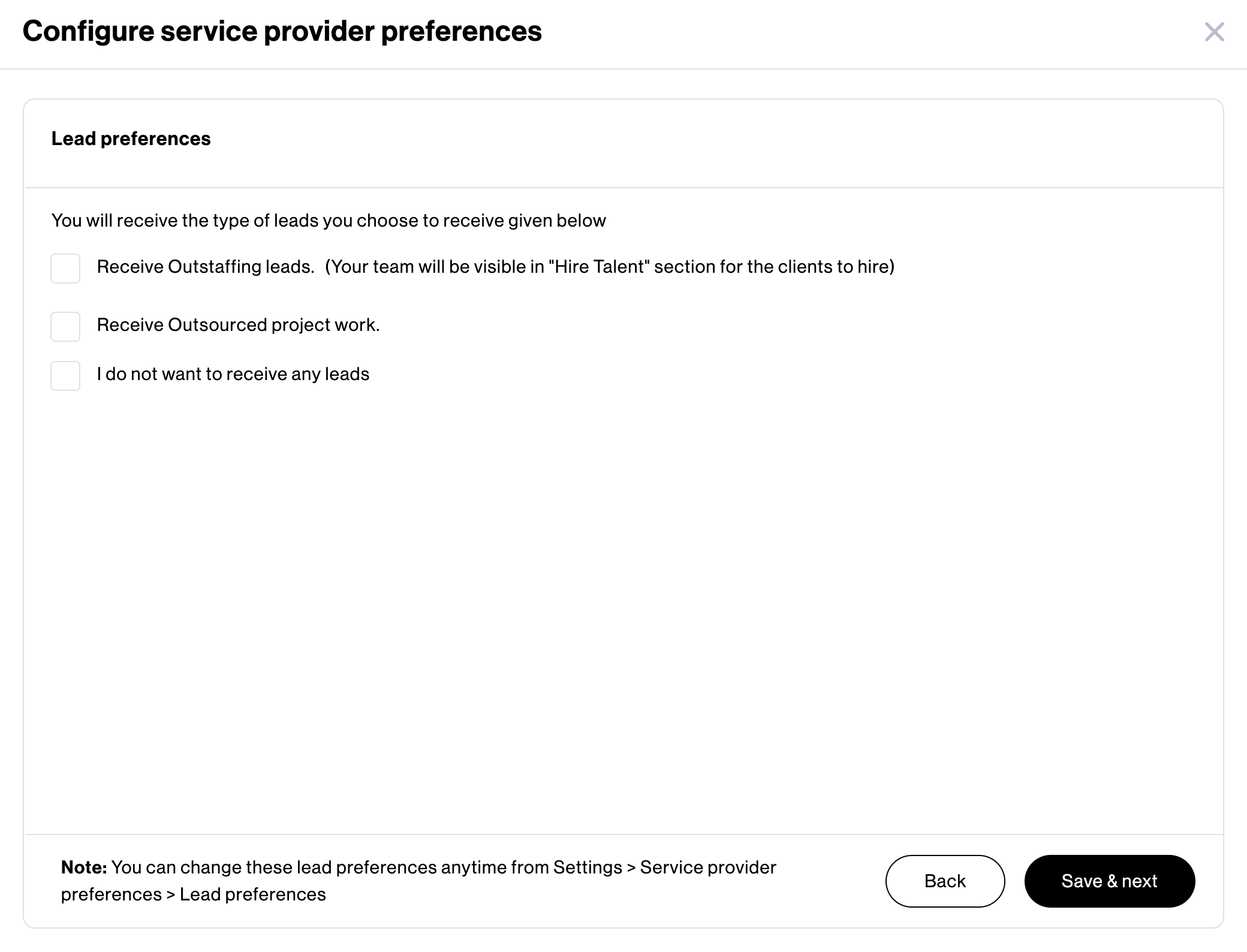
Provide your company’s lead preferences in this section.
a. If you prefer to solely outstaff your people
b. If you prefer to receive only outsourced projects
c. If you do not want to receive any leads
Select the option(s) that match your company requirements.
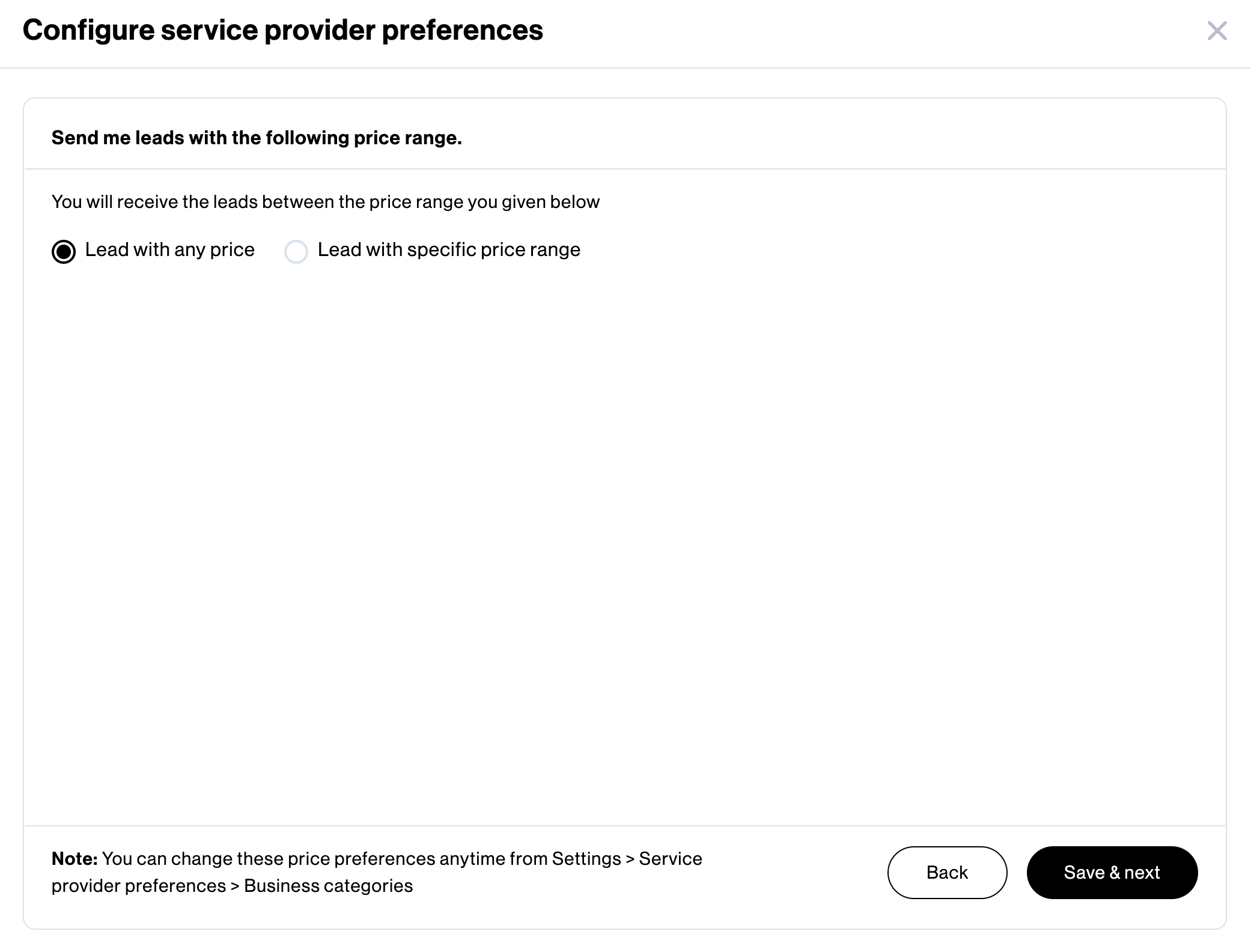
In the final step, specify the price range for the projects or leads that your company is interested in receiving from Amy.
Congratulations! Your company’s initial setup as a Software Services Agency is now complete. Moving forward, you will begin receiving project leads from Amy that match the specified criteria only.

Subscribe now
Subscribe to " Pvt Ltd" newsletter for updates on the software services industry. Stay informed and gain valuable insights from an industry-leading company. Expand your knowledge, stay ahead of the competition.

Your subscription for "" is successful. You will be notified whenever a new is posted.

You liked the Article

You disliked the Article
